Recent Articles

August 19, 2024

Introducing the WWST Test Suite: Simplifying Development Testing for the SmartThings Platform

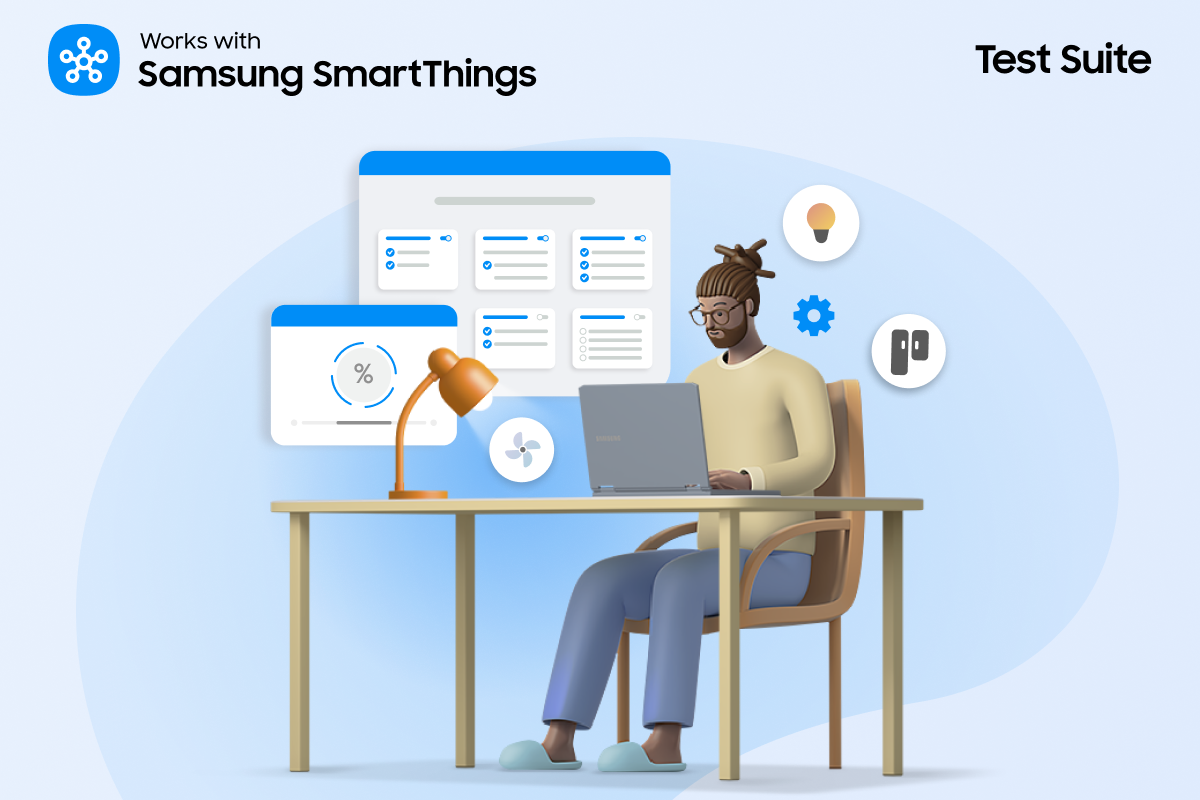
(Updated Dec 23, 2025) At SmartThings, we’re committed to providing developers with the tools they need to create innovative and seamless smart home experiences. We are excited to introduce our newest addition to the developer toolkit: Works with SmartThings (WWST) Test Suite. The Test Suite is designed to assist our device company partners in certifying their devices as part of the WWST certification process. With Test Suite, developers can easily test SmartThings integrations, get certified faster, and showcase their devices to tens of millions of SmartThings users.   Plus in many cases, completing the required tests may qualify your products for no-cost WWST certification, eliminating the need to ship your devices to our Authorized Test Provider. This no-cost, self certification option is available for Cloud Connected devices using SmartThings Schema and Hub Connected devices using Matter, Zigbee, and Z-Wave protocols. What is the WWST Test Suite? The Test Suite is a comprehensive tool designed specifically for device developers integrating with the SmartThings platform. It provides a unified environment where developers can thoroughly test their products’ capabilities across various scenarios, helping to identify and address potential issues before deployment. Supported Protocols for Device Testing: The Test Suite supports device testing for the following integration types: Matter Zigbee Z-Wave LAN MQTT Cloud Connected Devices (SmartThings Schema) Why Should Developers Use the Test Suite? Centralized Testing Environment: With the Test Suite, developers can leverage a centralized testing environment hosted on the SmartThings platform. This eliminates the need to set up complex testing configurations locally, saving time and effort in the testing process. We have coverage for over 40 SmartThings “Capabilities.”  User-Friendly Interface: With an intuitive and user-friendly interface, the Self-Testing Tool ensures a seamless experience for product owners and developers of all levels.  Real-Time Feedback: Receive instant and detailed feedback on your product's compliance status, allowing for quick identification and resolution of any issues. Reduce your Testing Costs: Save money and time on testing with our free and easy-to-use Test Suite for your certification process.  Hear from some of our partners using Test Suite to certify easier and faster than ever. "I think comparing all the processes, SmartThings was probably one of the fastest in terms of total time spent from start to finish." Mark Hollands, LIFX "The SmartThings new console is very easy to use. Compared to others, SmartThings Developer Center is a much more user-friendly interface." James Shurte, Leviton How to take advantage of no-cost, self-testing? The free SmartThings Test Suite makes Works with SmartThings (WWST) certification easier than ever for Cloud Connected using SmartThings Schema and Hub Connected Devices, including those supporting Matter, Zigbee, and Z-Wave. For many cases, completing the required tests may qualify your products for no-cost WWST certification, eliminating the need to ship your devices to our Authorized Test Provider.  This no-cost, self-testing option is available for these protocols: Matter Zigbee Z-Wave Schema App (Cloud Connected) Supported device types include lights, switches, plugs, thermostats, motion/contact sensors, blinds, leak sensors, and many more. Though some device types — like cameras, doorbells, smart locks, and health and safety products — may not qualify for self-certification and will require evaluation by our Authorized Test Provider. Learn more about no-cost, seamless testing and certification by visiting our Test Suite documentation. How to get started with the WWST Test Suite Ready to use the Test Suite for your device(s)? Here’s a quick guide to help you get started:  Access the Test Suite Visit the SmartThings Certification Console and navigate to the Test Suite section, which is accessible at SmartThings Certification Console. Set Up Your Testing Environment Test Suite will display a list of available devices connected across your locations. If you do not have any devices connected to the location associated with your developer account, use the SmartThings app to add them.  It’s easy to collaborate with colleagues using Test Suite. You can add team members in the development console and they can check the status of device tests which makes it easy to work together.   Test Scenarios Test Scenarios are automatically generated to test the Capabilities of your device. This reduces the time needed to set up tests and makes your development testing easy.  We know some Capabilities may require more complicated setups; you can select which tests to perform in each session. Tip: Make sure you include them all before submitting for certification to ensure a faster WWST process.  Run Tests Once you have set up your Capabilities, you can start your tests.    Many tests will automatically execute, but certain tests require manual action to be taken. For example, when testing a motion sensor, a motion detection event is required to pass successfully.  These requirements are indicated before and during an active test session. Note that some tests must be completed within a set time or otherwise will be considered a failed test.  Submit your Test Results Once the test is complete, you can use any feedback or insights to iterate on your product and retest if necessary.   Once you’re ready, attach your test results to your WWST certification submission. We will review your test results and assign a Partner Success Manager to help you complete your Works with SmartThings certification. Our new Test Suite tool represents a significant step forward in our commitment to supporting developers and enhancing their experience on the SmartThings platform. By providing a robust testing environment with simulation, automation, and integration capabilities, we aim to empower developers to build high-quality SmartThings integrations with confidence. Are you ready to elevate your SmartThings development experience? Dive into the Test Suite today and unlock new possibilities for your smart home innovations. See this link for further Test Suite documentation. Or do you have products you want to integrate with SmartThings and get WWST certified? Fill out this form to learn more and begin your partnership with SmartThings. For support with bulk registrations of your portfolio of products, contact partners@smartthings.com

November 28, 2023

Homeowner Sustainability Gets Powered Up With Loop EV Chargers, Joining “Works With SmartThings” Ecosystem

With the rapid surge in electric vehicle (EV) adoption, we’re excited that Loop Global, a leading provider of EV chargers, is now available via the SmartThings app, allowing homeowners to seamlessly integrate Loop chargers within the SmartThings ecosystem. With this integration, homeowners gain the ability to effortlessly control their Loop chargers, such as the EV-FlexTM, through the SmartThings app or voice commands. This empowers users to start/stop and monitor charge sessions, view their charging history, and track energy consumption. The result is a more comprehensive home energy profile that not only supports sustainable living but also provides valuable insights into energy usage patterns. Loop stands out as the first EV charging company within the SmartThings network, reflecting both company’s commitments to quality, user satisfaction, and innovation. Loop and SmartThings continue to lead the way in driving innovative, user-centric solutions for a more sustainable future. Thanks to SmartThings Energy, a comprehensive energy management solution within the SmartThings app, users can connect their EV chargers to make smarter energy decisions that could reduce their carbon footprint.  At the same time, Loop is dedicated to providing homeowners with the most advanced and user-friendly charging solutions, furthering its vision of a superior charging experience for the sustainable future of transportation. This partnership amplifies the accessibility and convenience of Loop chargers, while also highlighting SmartThings’ commitment to sustainable partnerships, setting new benchmarks in quality and user satisfaction. For more about Loop Global and Works With SmartThings (WWST) certified products, please visit https://www.smartthings.com/supported-devices.  For more information on Loop EV charging solutions please visit loopglobal.com. 
October 5, 2023

Unlocking Seamless Connectivity: SmartThings Offers Support for Third-Party Matter Bridges 

In the ever-evolving world of smart home technology, compatibility and connectivity are paramount. The ability to seamlessly integrate different devices and platforms is what makes the smart home experience truly smart. At SmartThings, we constantly work to expand our ecosystem and ensure users have the flexibility to choose, connect, and control a wide range of devices. Today, we are thrilled to take that commitment a major step further by announcing support for third-party Matter bridges.  What Are Matter Bridges?  Matter bridges are a critical piece of the puzzle when creating a unified and interoperable smart home ecosystem. They serve as connectors, allowing device makers with non-Matter devices (such as Zigbee, Z-Wave, and proprietary connectivity) to seamlessly integrate with Matter ecosystems. These bridges represent non-Matter devices on a Matter network, and vice versa, acting as translators to facilitate communication between devices on either side of the bridge. Many popular brands have announced their hubs — including millions already in homes today — will act as Matter bridges, allowing SmartThings users to connect hundreds of new devices.  A Seamless Integration Experience  One of the key benefits of SmartThings' support for third-party Matter bridges is the effortless onboarding process. When users commission Matter bridges to SmartThings, we take care of the heavy lifting by automatically onboarding all bridged devices, ensuring a hassle-free setup.  We also continually synchronize with the bridge, so that if a user adds or removes a bridged device in your app, SmartThings responds immediately, updating to reflect those changes. This real-time synchronization ensures users always have an accurate view of their smart home.  Expanding Reach with Works With SmartThings  We know developers are eager to reach a broader audience. That's why we're excited to announce support for bridges is also coming to the Works With SmartThings program. This expansion creates new opportunities for developers to promote bridges and bridge-connected devices to millions of Samsung users.  With Works With SmartThings, manufacturers can promote their products to a vast and diverse community of users who are looking to start and grow their smart homes. It's a powerful platform for showcasing devices and driving adoption among users who value compatibility and interoperability with their Samsung devices and SmartThings-powered homes.  SmartThings' support for third-party Matter bridges gives users more choices in the devices they enable their smart home with and gives developers more choices in how they integrate those devices. We're proud to continue leading interoperability and openness in the smart home industry and invite developers to join us on our journey. Interested in learning more? Contact us at partners@smartthings.com. Or do you have Matter products? Fill out this form to learn more about certifying them with SmartThings and getting in front of our millions of users.
March 9, 2023

SmartThings Partner Spotlight: How Aeotec Keeps Customers Connected

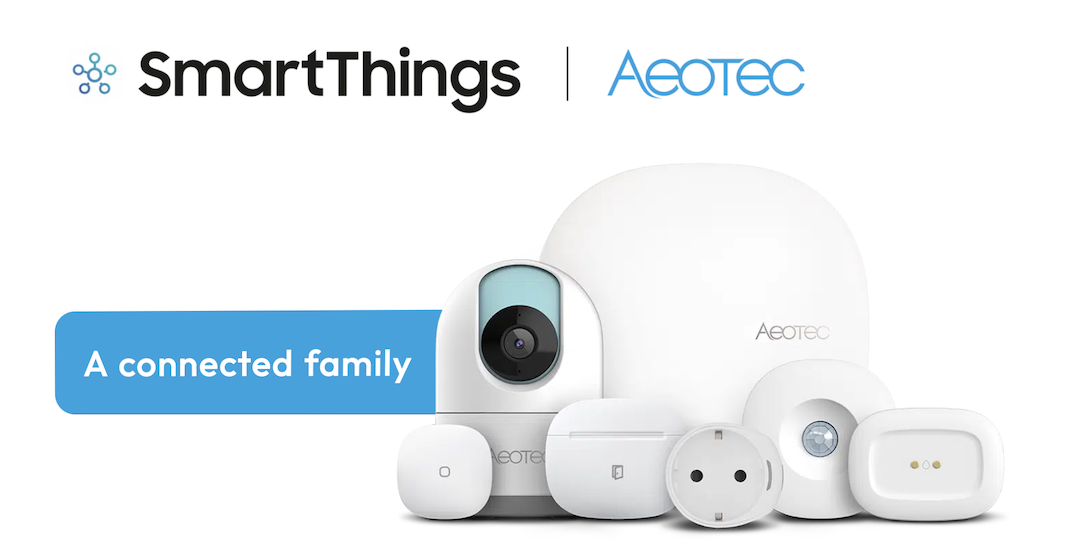
Since 2013, we’ve proudly partnered with Aeotec, the leading maker of high-quality, everyday smart home products. What’s even more exciting is that their products, like the Aeotec Smart Home Hub, are exclusive and compatible with the SmartThings App, and connect to Works with SmartThings-certified devices, including Z-Wave, Zigbee, or Wi-Fi devices. We sat down with Aeotec to discuss how their products work with SmartThings — and how they keep users connected to their homes. Here’s what we learned. Aeotec Smart Home Hub First things, first. What do you need in order to set up a smart home with Aeotec and SmartThings? All you need is the Aeotec Smart Home Hub, which acts as the brain of your smart home, and Aeotec devices such as Actuators – light switches, cameras, smart doorbells, alarm systems, etc. – and Smart Sensors for security, home energy-use monitoring, and more. Simply download the SmartThings app and follow the app’s step-by-step instructions for connecting the device. That’s great! What are the benefits of using Aeotec and SmartThings? A solid and reliable smart home! Using the SmartThings app, you can automate and control all of Aeotec’s smart devices and products from hundreds of other brands to build a system that works for you and your needs. Can Aeotec-connected devices be controlled from anywhere?  Our app lets you easily control and monitor Aeotec devices no matter where you are. You can also do so with other smart home appliances like Samsung TVs, refrigerators, cooktops, washers and dryers, AC, air purifiers, and more. What about compatibility? Can you control devices from various manufacturers with SmartThings?  Yes! The SmartThings app lets you personalize your smart home. For example, you can use Aeotec products with Samsung devices or Z-Wave sensors with Zigbee light bulbs. Last question. Will the Aeotec Smart Home Hub support Matter in the future? Yes, the Aeotec Smart Home Hub supports Matter and is certified as a Thread border router. Matter will be the de-facto standard in every home, offering consumers interoperability between devices, flexibility, and more choices when purchasing connected home devices. Thank you, Aeotec!  Learn more about how Aeotec works with SmartThings here, and stay tuned for more partner spotlights on our blog and Q&As with our innovative partners on Twitter! 
January 21, 2021

Wishes Granted with Genie and SmartThings

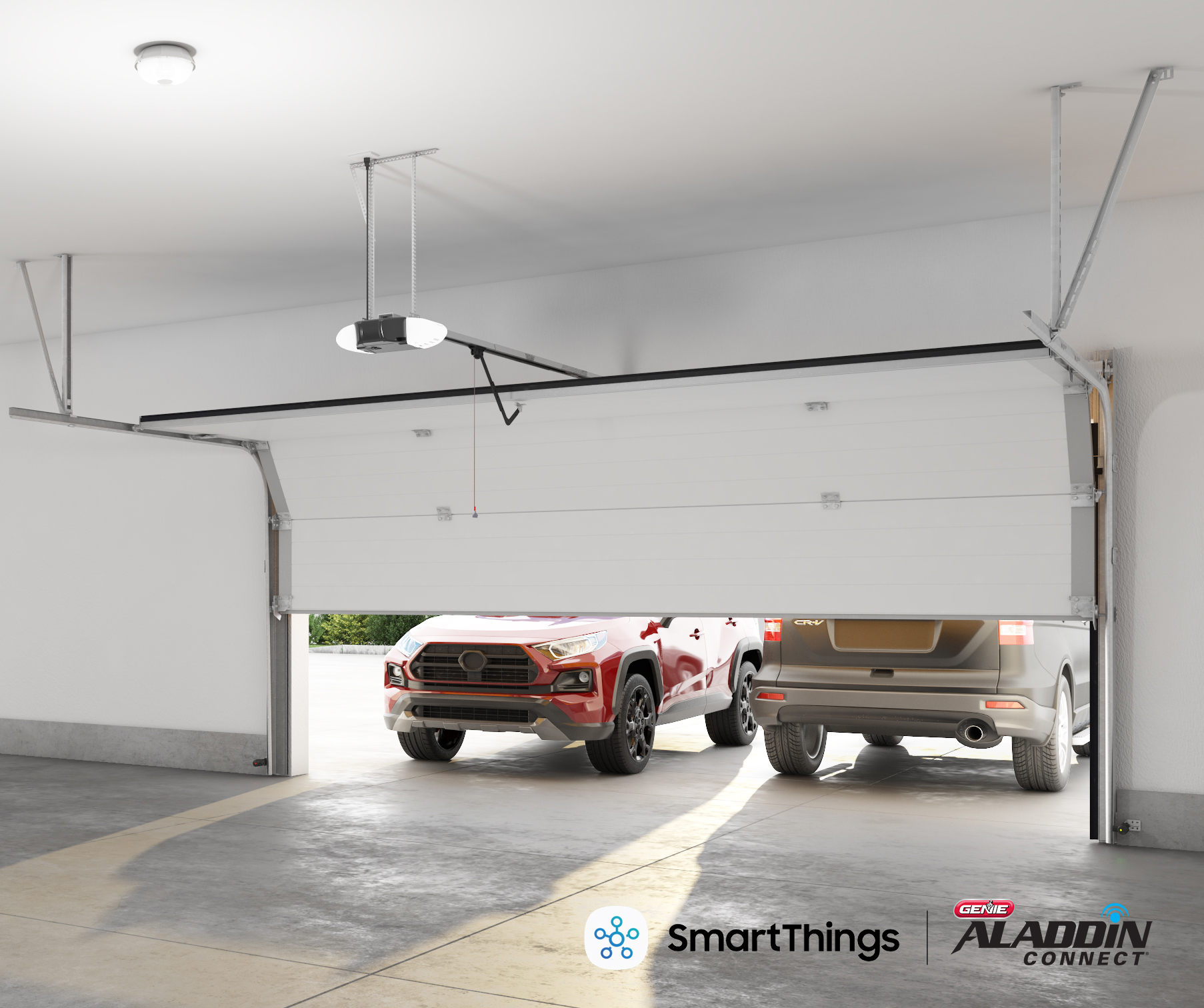
In 1954 the Genie® garage door opener became the world’s first mass-produced radio-controlled garage door opener remote. Fast forward over half a century, Genie granted wishes to consumers allowing them to monitor their garage door from anywhere with its Aladdin Connect® Enabled Smart Garage Door Openers. Now, Genie makes its next innovative leap by becoming a Works With SmartThings certified partner, joining SmartThings powerful connected ecosystem. Similar to SmartThings commitment to bringing smart functionality and capabilities everywhere consumers want it to be, Genie is committed to putting the homeowner first with the next generation of innovations. Through Genie’s Aladdin Connect and SmartThings, homeowners can receive real-time alerts and open and close their garage door from anywhere in the world with their smartphone. Now, SmartThings users can tell their smart speaker to open or close the garage door, set up a geo-tag to recognize entry to the driveway so the door will open, and many other easy to use smart options, putting users in control of how they gain or grant access to their home. Further, the SmartThings integration grants autonomous features, like automatically closing the garage door after a set amount of minutes, or incorporating into a SmartThings Scene to shut down when a connected home is headed into night mode. Other safety features include automatically opening the garage door if smoke is detected in the home, and notifying and opening itself if CO levels reach a dangerous threshold. Building on our recent integration with Mercedes-Benz, we’re enhancing the car-to-home and home-to-car experiences with new features that will launch in the coming months. Through SmartThings, users will soon be able to enable a garage door to open, start their car, and eventually set the car to back itself out. According to research, 3 out of every 4 homeowners with garages use their garage daily. Given that the majority of homeowners use the garage as the primary entrance to their home, the garage door is a critical part of a smart home system. We’re thrilled for the tens of millions of Genie users to enhance their connected homes and join the SmartThings family.
January 8, 2021

Feel Safe at Home in the New Year with Arlo

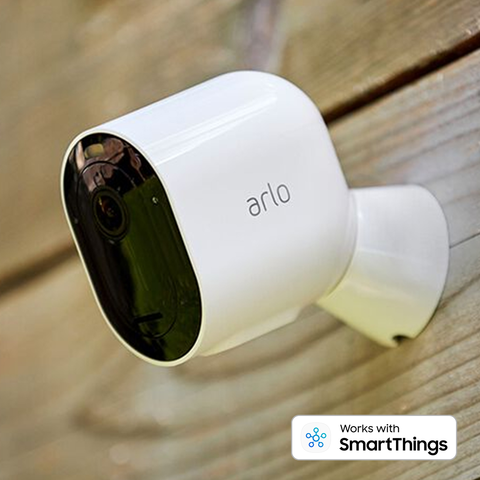
In our ongoing quest to enhance our ecosystem of compatible devices, we are pleased to announce a new version of the Works With SmartThings integration, built in partnership with Arlo. The integration rounds out our portfolio of home security products by letting you connect to any Arlo device1, including their latest security products. Beyond adding support for more Arlo devices, this new integration enhances the overall user experience with improved stability and reduced latency so you can get faster access to your camera recordings or video doorbell feed. Users will still be able to enjoy the same features they most commonly use, such as turning all Arlo cameras on/off when arming/disarming the SmartThings Home Monitor, or using the Arlo camera sound sensor to trigger a siren or get lights to turn on, and more. The process is simple to integrate Arlo with SmartThings, and users will be able to leverage powerful Automations and Scenes to create rich personalized connected home experiences. For example, keeping an eye on the nursery from your Samsung TV with an Arlo Baby camera, or connecting your Arlo video doorbell to answer the door from your Samsung Family Hub fridge. During this new normal where we spend a lot more time at home, we are committed to bringing smart functionality and capabilities everywhere you want it to be, and partnerships like Arlo help us meet your needs of personalizing your home — whether it’s giving you peace of mind that your home is protected inside and out, or bringing you the convenience of knowing exactly when your packages arrive. 1 Arlo Go and Audio Doorbell are not supported by the integration.
March 1, 2017

“Alexa, lock my front door.”

Amazon and SmartThings have added a little more smartness to your home! We’re excited to announce a new feature for Alexa that works with SmartThings; now Alexa can tell you the status of your smart lock and can lock the door for you! (Alexa won’t unlock the door for security reasons.) Not only can you monitor your smart lock from anywhere with SmartThings, you can ask Alexa to help without picking up your phone. Find out how to add the Smart Home skill to SmartThings here. There are plenty of compatible “Works with SmartThings” locks to use with voice control including models from including Yale, Kwikset and Schlage, so don’t worry about locking the front door when you have your hands full. And making sure you’ve secured the door is as easy as asking Alexa, no need to find your phone or get up to check. Use Amazon Echo and SmartThings to lock up your home, save a little time, and rest a little easier knowing peace of mind is just a phrase away. Wherever you are, in your kitchen, in bed, or in your captain's chair giving orders to your futuristic voice-controlled home, locking your door is as easy as saying “Alexa, lock my front door.”
February 10, 2017

Home Control with Google Pixel and Android Wear devices

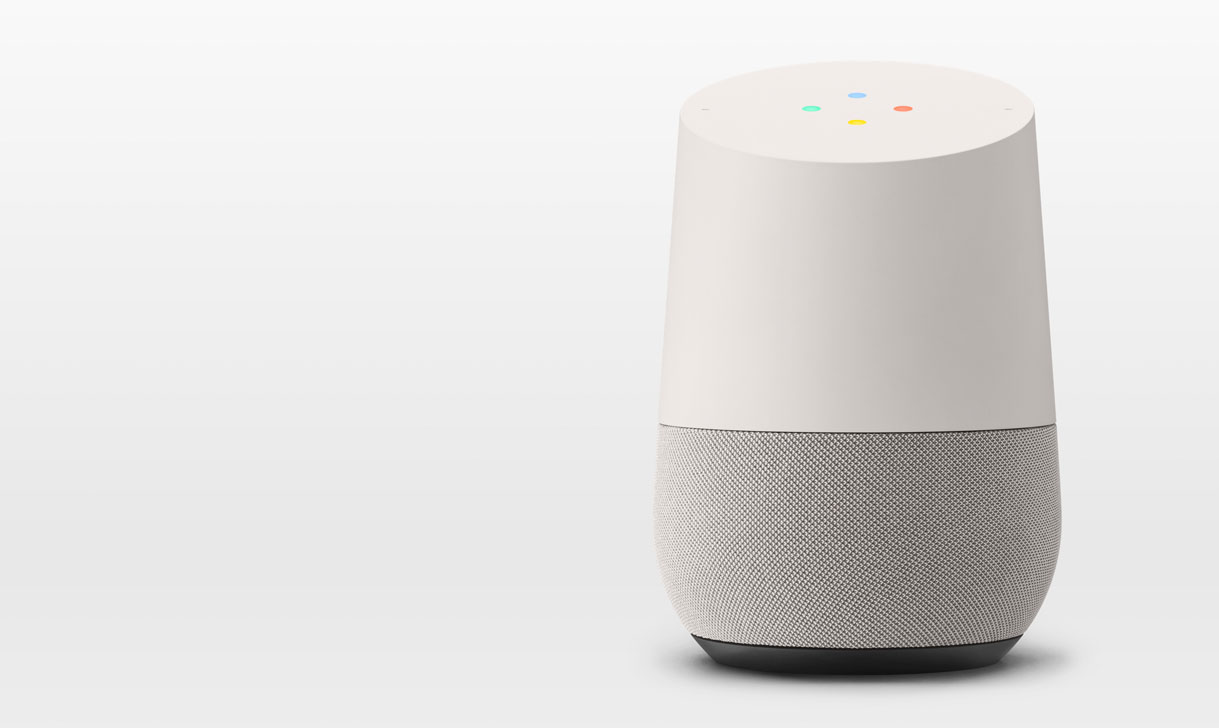
Samsung SmartThings and Google have teamed up to bring you Home Control with Google Pixel and Android Wear devices! SmartThings is the only complete smart home platform to work with Home Control. Now you can control many of your SmartThings devices with the Google Assistant. Just speak a command to your Pixel phone or Wear device to interact with SmartThings, from dimming the lights in your living room to turning on the porch light. While voice control using Google Home is fun, the power comes when you’re on the go. Control your home from your wrist or mobile phone wherever you happen to be in the world. Check that things are safe and secure, adjust your lights, change the temperature, or any number of other convenient controls. Imagine you just received a message that a family member is heading home early, you can just say "Ok Google, set the thermostat to 70." and make sure they come home to a warm house. If you want to make sure they don't have to fumble for the lights when they come in just say "Hey Google, turn on all the lights in the living room." Ran out the door last minute and not sure if you turned off that one last light? Just ask Google to turn off the lights and enjoy the rest of your day without worrying about it. Perhaps you’re all settled in for the night and you realize the lights downstairs are still on, Google and SmartThings can take care of that, no need to get up! It’s never been easier to control your smart home than with Google Home Control and SmartThings. It’s in the palm of your hand (or on your wrist!) no matter where you are, and with dozens of SmartThings supported devices you have a wide range of flexibility to grow your smart house. Turning the light on is simple: just say “Hey Google!”
October 4, 2016

Welcome Home, Google & Arlo!

In our quest to add smartness to new things (see what we did there?), we’ve been busy growing and evolving the Works With SmartThings (WWST) program. Today, we’re excited to share more details around two awesome integrations: Netgear Arlo and Google Home. (more…)