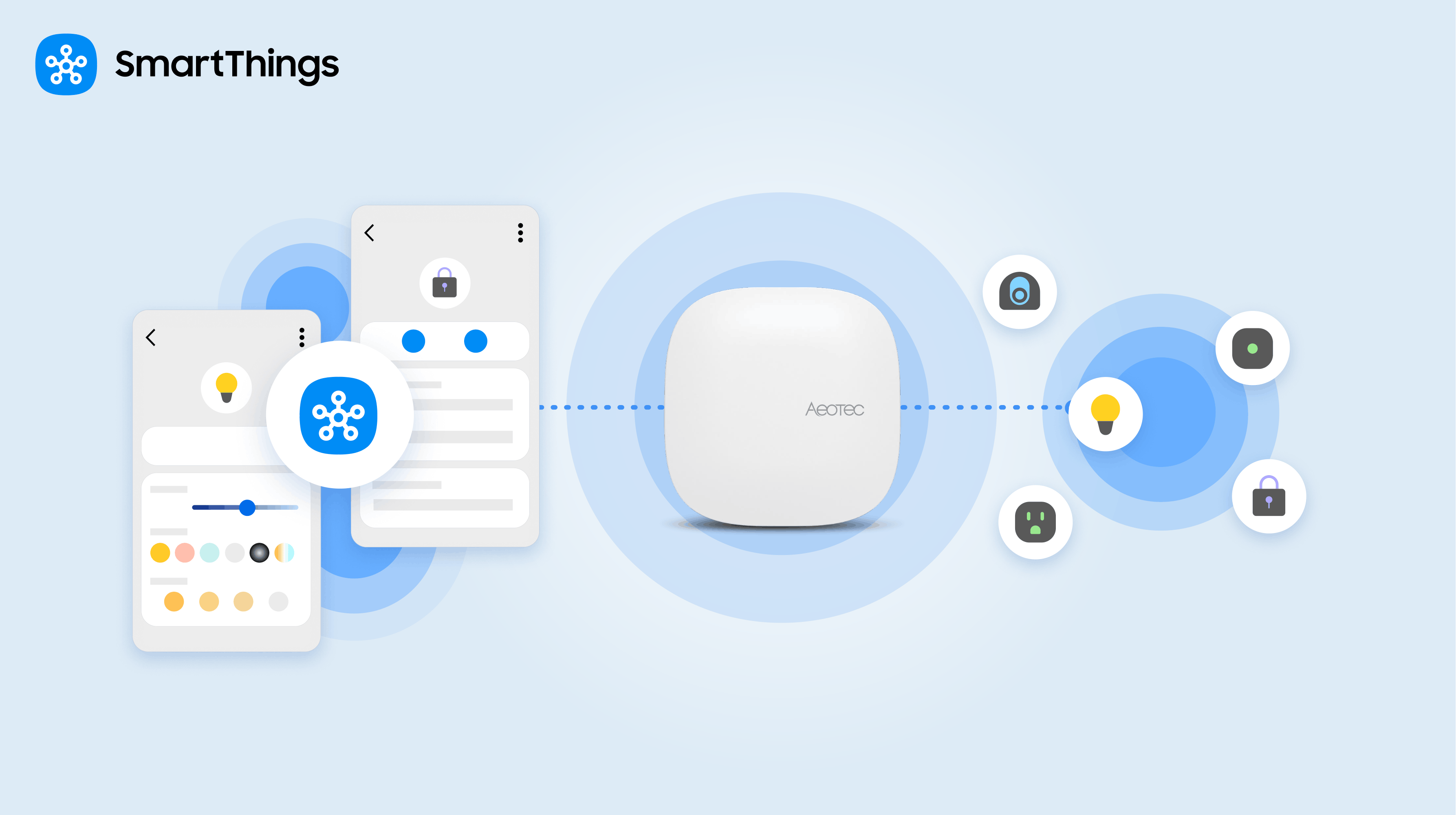
SmartThings local control lets the SmartThings app connect directly to your SmartThings Hub over your home network, so everyday device commands don’t have to travel through the cloud when you’re home. It turns on automatically with the latest SmartThings app, and there is nothing to set up.
This is a closer look at the feature first announced on October 6. Below, you’ll find how it works, which Hubs support it, and where its limits are.
In this Article
- SmartThings Local Control at a Glance
- What Is Local Control in SmartThings?
- Do You Need to Turn Local Control On?
- Does Local Control Work When You’re Away From Home?
- Can You Still Control Devices If Your Internet Goes Out?
- Which Hubs Support Local Control?
- How Is Local Control Different From Local Execution?
- Why Does Local Control Matter?
- SmartThings Local Control: Compatibility and Limitations
SmartThings Local Control at a Glance
| Question | Short answer |
| What it does | Connects the SmartThings app directly to your Hub over your home network when your phone is on the same network. |
| Setup | None. It works automatically with the latest SmartThings app. |
| When you’re away | The app works through the SmartThings Cloud, exactly as it does today. |
| Supported hubs | 2018 SmartThings Hub, Aeotec Smarthome Hub 2, SmartThings Station, and Samsung TVs and appliances with a built-in Hub. |
| Best for | Everyday actions at home, like turning on lights, locking a door, or adjusting a thermostat. |
What Is Local Control in SmartThings?
Local control is a SmartThings capability that lets the app discover and connect directly to a SmartThings Hub over your home network. Before, commands from the app were routed through the cloud even when you were standing in the same room as your Hub. With local control, that detour is skipped when you’re at home.
The result is that controlling your smart home can feel faster and more dependable. Lights can turn on more quickly and locks can respond faster, because the command travels a shorter path. Depending on your internet connection, cloud-routed commands could occasionally take several seconds. Local control is designed to make response times more consistent at home.
Do You Need to Turn Local Control On?
No. Local control works automatically with the latest SmartThings app, and there is no setting to switch on or off. When your phone is on the same network as the Hub, the app connects directly to it. When it isn’t, the app falls back to the cloud. The switch between the two happens seamlessly.
Does Local Control Work When You’re Away From Home?
Yes, your devices stay controllable, but the connection works differently. Away from home, the SmartThings app continues to work through the SmartThings Cloud exactly as it does today. Local control applies when your phone and Hub are on the same home network, so you can keep controlling your devices whether you’re home or away.
Can You Still Control Devices If Your Internet Goes Out?
At home, yes. Because the app connects directly to the Hub over your home network, Hub-connected devices can still be controlled from the app during an internet outage. You need to be on your home network, and your devices need to be connected through the Hub. Away from home, control still depends on the cloud.
Note: All devices connected directly through a supported Hub remain controllable locally during an outage. However, devices that connect directly to Wi-Fi/cloud without a Hub, as well as cloud-to-cloud (C2C) partner integrations, require an active internet connection and cannot be controlled if the internet goes out.
Which Hubs Support Local Control?
Local control is available on the following Hubs:
| Hub | Type |
| 2018 SmartThings Hub | Standalone Hub |
| Aeotec Smarthome Hub 2 | Standalone Hub |
| SmartThings Station | Standalone Hub |
| Samsung Smart TVs with a built-in Hub | Built-in Hub (rolling out since October 26) |
| Bespoke AI Refrigerator Family Hub | Built-in Hub in a Samsung appliance |
| Bespoke AI Hybrid refrigerator | Built-in Hub in a Samsung appliance |
| Bespoke AI Laundry Combo | Built-in Hub in a Samsung appliance |
*Hub availability and local control feature rollout may vary by model, region, and network environment. Samsung Smart TVs with built-in Hub have supported local control rolling out since October 26, 2026.
Have a Samsung TV? See How to Activate the SmartThings Hub Built Into Your Samsung TV for the step-by-step.
How Is Local Control Different From Local Execution?
They work together but do different jobs. Local execution lets Routines that involve Hub-connected devices run locally, so they keep working even if the Hub loses its connection to the internet. Local control covers the connection between the SmartThings app and the Hub. Together, they reflect SmartThings’ ongoing investment in strengthening the Hub’s ability to process locally, independent of the cloud.
Why Does Local Control Matter?
Reducing dependency on the cloud and shifting more processing to edge devices is a growing priority across the industry. For a smart home, the benefit is practical. The things you do every day, like turning on a light or locking a door, should feel quick and keep working when your internet connection is having a bad day. SmartThings plans to keep building on the Hub’s local capabilities.
SmartThings Local Control: Compatibility and Limitations
- Network: Your phone and Hub need to be on the same home network for the direct connection. Otherwise, the app uses the cloud.
- Hub required: Local control works with the supported Hubs listed above. Devices need to be connected through one of them.
- App version: Use the latest SmartThings app.
- Away from home: Control goes through the SmartThings Cloud, as it does today.
- Speed: Response times at home can improve, but results still depend on your devices and home network.
SmartThings, Samsung’s global connected living platform, builds smart homes that are convenient, safe, sustainable and fun. Millions of people, in nearly 200 countries, use SmartThings to easily control their connected homes and IoT devices.
Popular Tags
Subscribe for more articles like this!
Your email address
[contact-form-7 id="831e457" title="Contact form"] You may opt-out at any time. Privacy Policy.Learn more about becoming a SmartThings partner.
Work With Us
Inspire the world and create the future of IoT at SmartThings.