Everything you need to integrate, test, and certify in one guided, streamlined experience.

We’re excited to announce the next evolution of the SmartThings Developer Center – a unified, streamlined experience designed to help partners build, test, and complete integrations faster than ever.
As SmartThings expands to support more device categories and service integrations, along with existing integration types and protocols, we’ve redesigned the entire developer journey from the ground up. The result is a single, intuitive console that houses all the tools, workflows, and integrations in one place.
Whether you have a device or service, regardless of integration type, the new Developer Center provides a guided path to get from idea → integration → certification → insights.
What’s more, over the next few months, we will also be adding new enhancements for Service Integrations.
“You just made it too intuitive. Compared to other ecosystems, this is the easiest one ever.” – Chasen Tolbert, Strategic Partnerships, FireAvert
What’s New: A Guided, Intuitive Experience
The new Developer Center introduces a redesigned journey from end to-end. Here’s what you can expect:
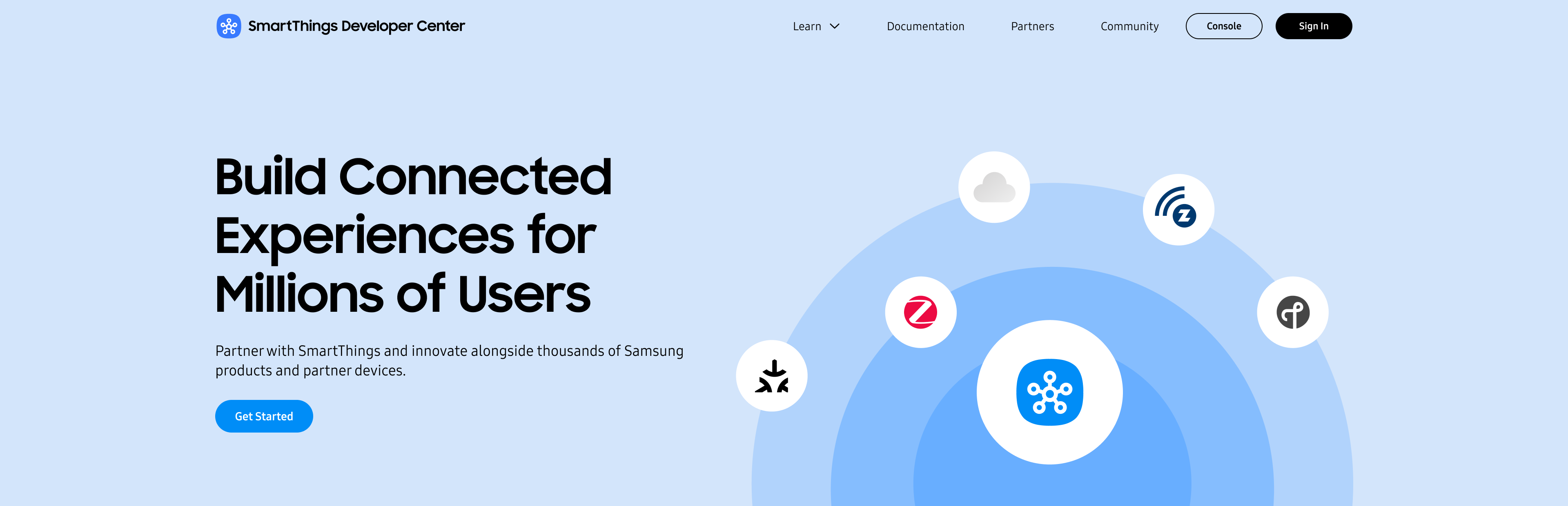
One Console for Every Integration
Device, service, and future integration paths will now live together in one unified console. It is the single, self-serve path to SmartThings.
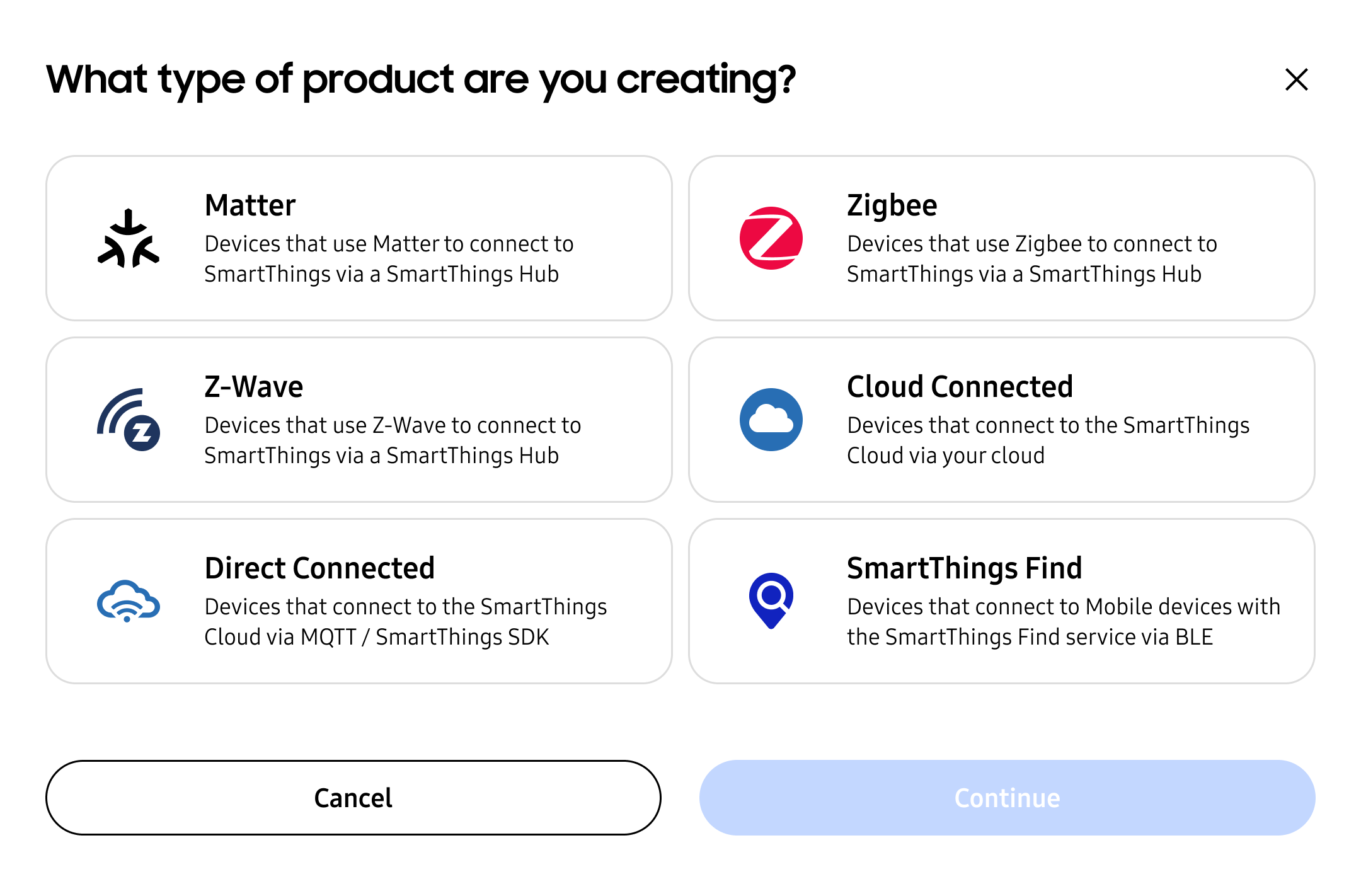
A Step-by-Step Guided Workflow
Every integration includes a clearly defined path with progress indicators and required steps.
Partners told us this was one of the most helpful additions.
“From an understanding perspective as a brand new user, this is more simplified. It’s broken down into pieces, and I can see the progress.” – Harsh Khera, Senior Engineering Manager, Kwikset
Real-Time Status & Next Steps
Every section, including device profiles, setup & support profiles, and test results, is visible in one summary view, updated in real time.
Streamlined Product Creation & Certification
We reworked the entire product creation flow to make it simpler, guide users through each step, and avoid common blockers.
Why It Matters: Faster, Easier, More Scalable
Our new Developer Center enhancements are designed to:
Reduce your certification time
A more guided flow minimizes errors and back-and-forth, giving you a faster path to Works with SmartThings (WWST) approval.
Enhance self-serve integrations
Our tools make it easier for developers and partners to use the Developer Center. For example, Test Suite has self-testing options for Hub and Cloud Connected devices, which allows partners to self-test for WWST certification without sending devices to a lab for most device types.
Support more integration types
Whether your device connects locally via Matter, Zigbee, or Z-Wave using the SmartThings Hub, authenticates using a SmartThings Schema app, or connects directly with the SmartThings Cloud using the SmartThings Device SDK, you’ll find all the tools and guidance you need in one place. Coming soon, SmartThings Find devices will join this same simplified integration journey.
For partners building a service integration, stay tuned for full support of SmartThings API Access Apps, allowing third-party web or mobile applications to securely access devices, scenes, and locations through the SmartThings API.
Improve collaboration across teams
A single, unified console lets product, engineering, QA, and business stakeholders collaborate on integrations with full visibility.
“There are various people doing different things. It’s important for others to pick up in the same place.” – Charlie Dougherty, Sr Product Manager, Kwikset
Adding to Your Integration with Partner Analytics
The updated Developer Center includes SmartThings Partner Analytics, offering insight into how customers use your products, while maintaining user privacy:
- Devices most often used with yours in routines
- Top sources of your product sales
- Most-used features and SmartThings capabilities
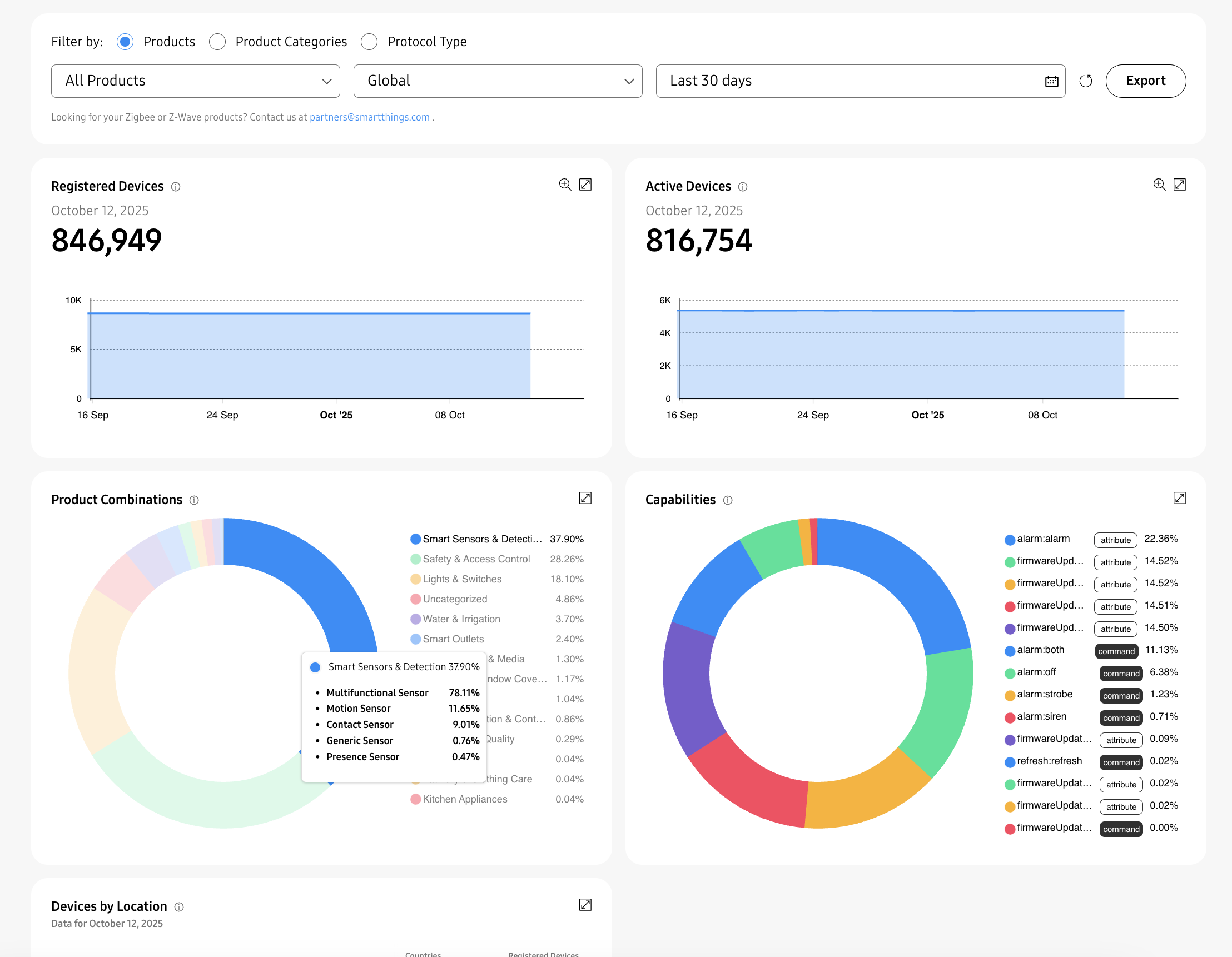
Get actionable insights with SmartThings Analytics.
Explore Analytics in the Developer Center or read our blog to learn more.
Expand Your Brand with Shareable Routines
We recently rolled out Shareable Routines, which allows WWST-certified partners to create SmartThings routines that showcase your products alongside other partner devices. SmartThings users can easily import these routines into the SmartThings app.
For example, users can receive a ready-made routine that opens the smart blinds or turns on the lights each morning.
Shareable Routines help increase product discovery and drive ongoing engagement within the SmartThings platform.
If a user does not have a compatible product, SmartThings shows your recommended devices with “Buy” links, helping new customers find and purchase your products directly in the SmartThings app.
Stay tuned for our additional announcements on Shareable Routines.
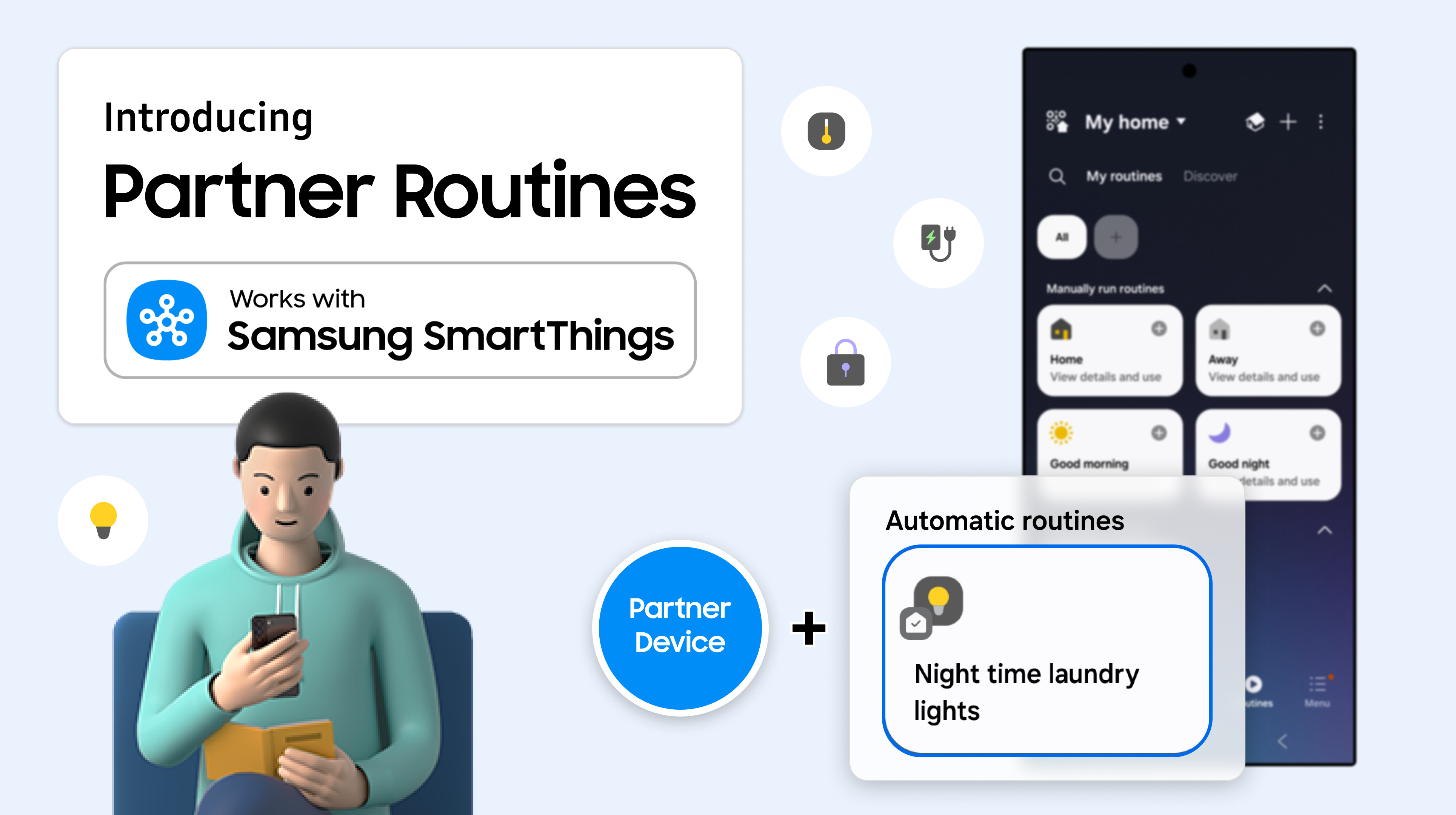
Together, our Developer Center, Partner Analytics, and Shareable Routines give you an easier way to integrate with SmartThings, product usage insights to optimize your products and roadmap, and a new way to share your products with users.
Start Building With the New Developer Center
Try the new experience:
- Visit the Developer Center
- Explore the new guided journeys
Thank you for your partnership!
Popular Tags
Subscribe for more articles like this!
Your email address
[contact-form-7 id="831e457" title="Contact form"] You may opt-out at any time. Privacy Policy.Learn more about becoming a SmartThings partner.
Work With Us
Inspire the world and create the future of IoT at SmartThings.