Recent Articles

September 15, 2025

Make School Nights Easier with a Kid-Friendly Smart Home

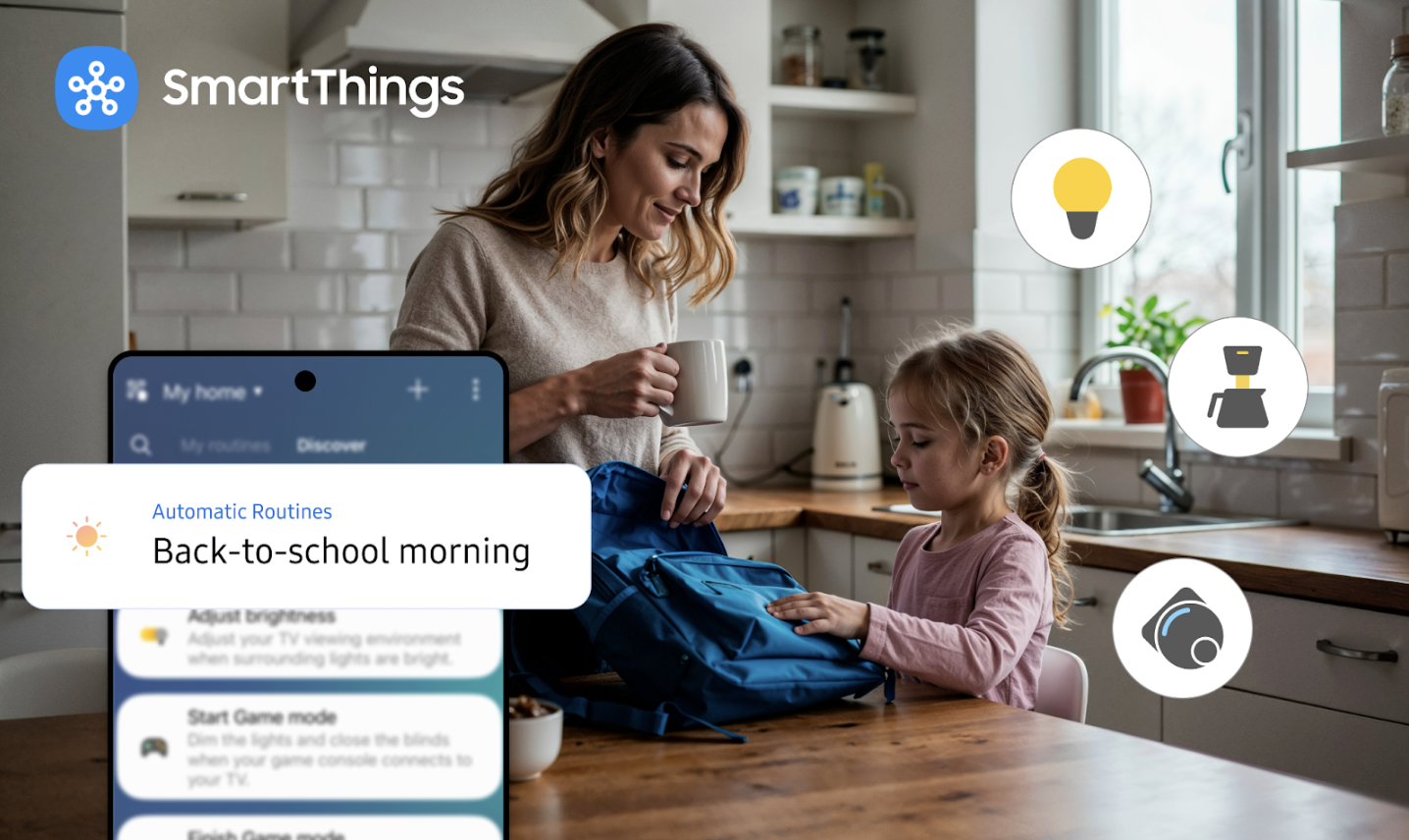
Small, thoughtful automations that make school-day mornings smoother, afternoons calmer, and bedtimes easier, without adding more screens. The first week back always tells the truth about your home. Shoes pile up near the door, lunch boxes reappear at odd hours, and bedtimes drift later than anyone intends. It’s a lot of moving parts for a family, and exactly where a few thoughtful automations can make life feel calmer. Not flashy, not fussy, just…easier. With SmartThings, “kid-friendly” doesn’t mean handing children an app. It means the house quietly adapts to your rhythm, lights that greet you when your hands are full, temperatures that settle down at bedtime, and gentle reminders that help the day stay on track. Think of it as the invisible choreography behind smoother mornings and softer evenings. Mornings that start themselves Back-to-school mornings are a sprint. The goal isn’t perfection; it’s momentum. That’s why we like to start in the hallway. A small motion sensor by the bedrooms or stairs can bring lights up automatically just enough to guide sleepy feet, and then fade away on their own, so no one thinks about switches. In the kitchen, lights lift a little brighter and the thermostat nudges toward “wide-awake.” If you use a smart plug for your kettle or coffee grinder, it can click on with the first sign of movement. None of this needs explanation for kids. They don’t have to learn a new screen. The lights “just work,” and you keep two hands on breakfast and backpacks. The after-school landing zone Afternoons are their own story: doors opening, snacks happening, homework looming. A simple contact sensor on the back door or garage can send you a heads-up when the first person gets home, useful if you’re finishing a meeting or still on your commute. Inside, an entry light can switch on automatically and favorite devices, like a lamp or purifier, can start via smart plugs, making the house feel welcoming without anyone saying, “Alexa, turn on the…” Presence can also help with the “Did we leave anything on?” question. When the last family member leaves, SmartThings can turn off stray lights and non-essentials, then restore comfort when the first person returns. It’s a quiet energy-saver that adds up, especially as schedules get busier. Homework that looks the part Environment matters. If you’ve ever watched your kid’s attention drift under bright overheads, try a dedicated “Homework” routine: task lighting at the desk, overheads dimmed a notch, notifications turned down for an hour. The difference is subtle but real — focused light signals focused time. When homework’s done, a single tap can slide the room into “Play” or “Dinner,” and the day keeps flowing. If allergies or fall colds are a thing in your house, a smart plug can power a compact purifier or humidifier during study time, then switch off automatically. It’s one less knob to remember. Evenings that unwind on cue As bedtime creeps earlier with the school year, lighting is your friend. Warm, lower light in bedrooms and hallways sets the tone, think amber over blue. A “Wind-Down” routine can dim lamps, lower the thermostat a couple of degrees, and start white noise on a nursery plug, all on a schedule you choose. If you have a child who wakes easily, a motion sensor in the hallway can bring up a soft night path and fade it out again, without anyone reaching for switches. “Did someone open the side door?” School nights are busy, and small safety checks go a long way. A contact sensor on a window or side door can nudge you if it’s opened after bedtime; another on the garage can remind you if it’s still up when you settle in. The goal isn’t constant alerts, just the right ones. Review them together, keep what’s helpful, and let the rest go. Set it up once, then forget it The basics come together quickly: Add a couple of Works with SmartThings bulbs or switches where you need hands-free lighting most (hallways, entry, playroom). Drop a motion sensor in high-traffic spots and a contact sensor on a door you care about. Use a smart plug for the few things you repeatedly switch on and off (kettle, lamp, purifier, white noise). Create a few routines —Morning, Homework, Wind-Down—and trigger them by time, motion, temperature, or when people arrive/leave. From there, you can make it your own. Pin the kids’ rooms and the entryway to Favorites in the SmartThings app so everyday controls are a tap away. If you like a bird’s-eye view, organize devices by room so it’s obvious what’s on and where. Start small, expand with confidence You don’t need to overhaul the house to feel a difference. Many products connect directly to SmartThings; certain sensors and Thread/Zigbee devices may require a compatible hub. Either way, you can mix brands as long as they’re labeled Works with SmartThings (and supported by your setup), then build up room by room. Back-to-school season asks a lot of families. The right automations don’t add another “system” to manage—they quietly remove friction so you can focus on the people in front of you. Start with one hallway light or one evening routine, and let your home take it from there. Start your smart home experience today on Samsung.com and shop key products.

April 15, 2024

Embrace Green Routines with SmartThings Energy

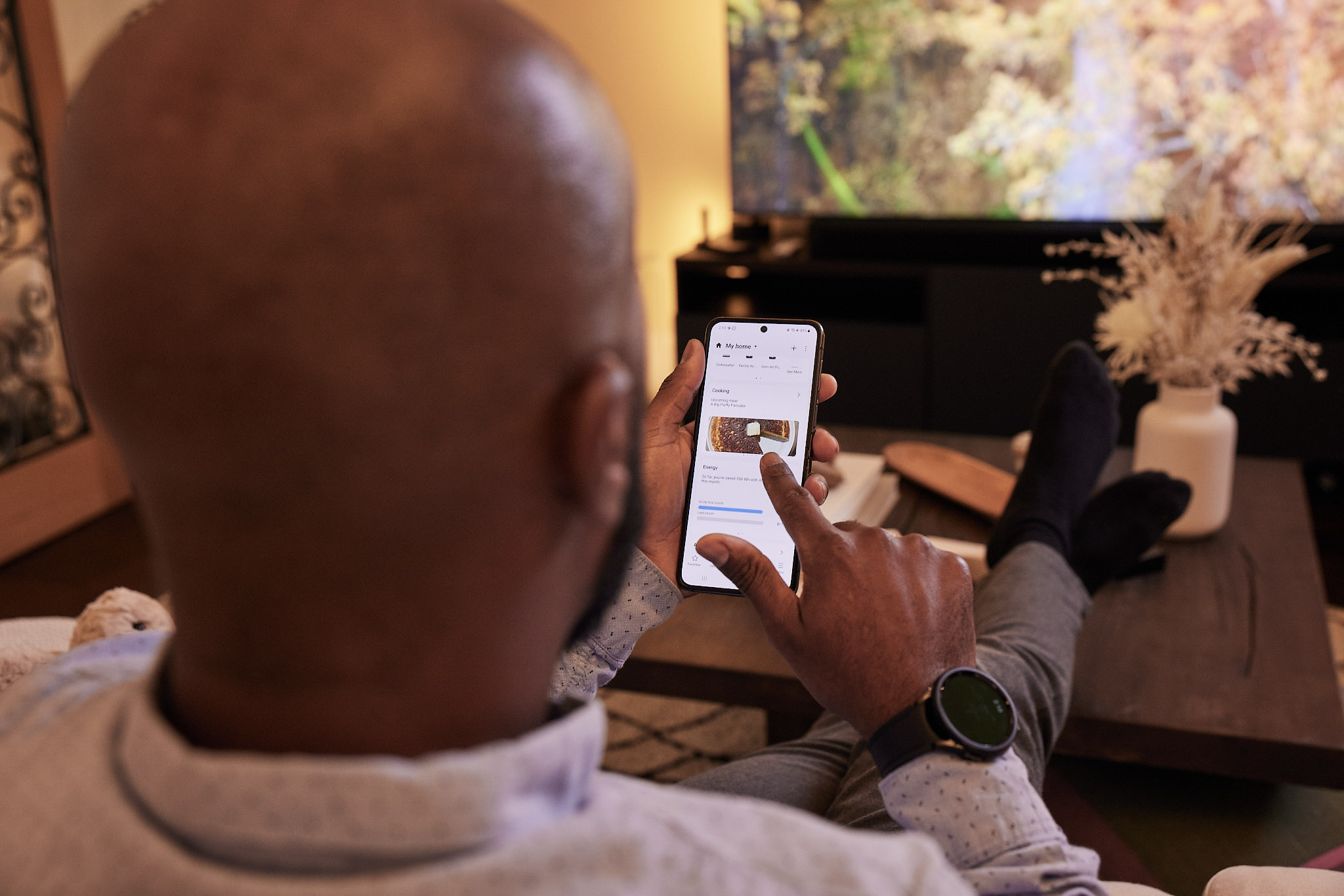
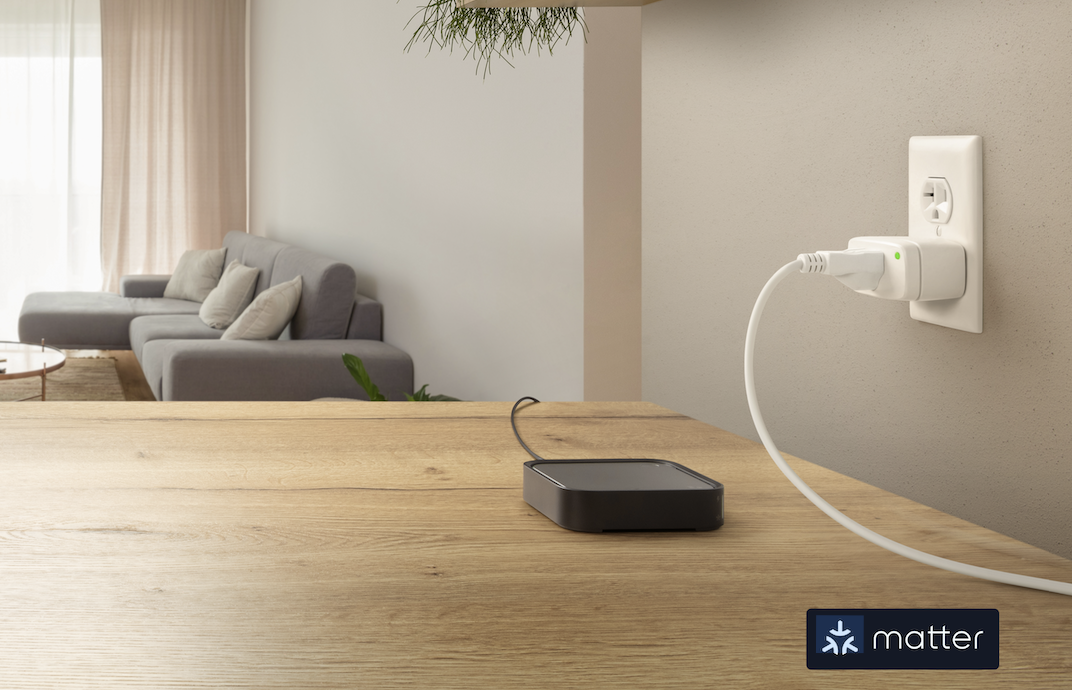
As Earth Month continues, SmartThings Energy and our Works with SmartThings certified partners will help keep your smart home sustainable and efficient. People today are more deliberate in their energy use, but we may not always know how to be more efficient with our everyday devices and appliances, like heating and lighting.  Are you looking to build better energy routines but not sure where to start? First, activate SmartThings Energy in the SmartThings app. This service tells you which devices take up the most energy, offers tips to save energy with (AI) Energy Mode, and assists in automating your routines for maximum efficiency. Next, read through our tips to build green routines you can start now. Windows & Shades Windows contribute 25%–30% of the energy consumed for heating and cooling in residential spaces due to heat gain and heat loss. With the inconsistent weather this time of year, you may be fiddling with your windows and AC more often and may forget the status of every window.  Fortunately, Aqara’s Door and Window Sensor will alert you if a window is left open, so you remember to close it before you leave the house. Their smart curtain controllers save you energy, too. Natural light from the sun may warm up your home, leading you to turn up the AC. Aqara’s curtain controllers allow you to easily open and close the curtains from wherever you are, using the SmartThings app. Smart Plugs Forget to unplug the coffee maker before work? With Eve smart plugs and power meters, you never have to worry about wasted energy again. Use SmartThings to control these Matter-compatible devices from anywhere, track their energy consumption, and even set timers for them to optimize energy usage. By monitoring individual devices' power usage and monthly costs, you can make informed decisions to lower utility bills. For example, create a routine that triggers plugged-in appliances to switch on and off based on whether someone is coming or leaving home.  Smart plugs also reduce “phantom power” - the electricity devices drain even when you think they’re off. Dimmers & Switches If you forget to turn off a light before leaving a room or going on vacation, turn it off from wherever you are in the SmartThings app, thanks to TP-Link | Kasa Smart light switches and dimmers.  Create a routine to automatically toggle a switch upon detecting someone entering or leaving a room and activate the switch when it detects motion. SmartThings and our innovative partners will help reduce your carbon footprint, cut down on electricity bills, and make your smart home as comfortable and kind to the planet as possible.  This Earth Month, do #DoTheSmartThings and download the SmartThings app in the Google Play or Apple Store to activate SmartThings Energy and build a greener, more sustainable home.
July 17, 2023

Q&A: SmartThings x Eve on Making Connected Living Smart, Safe, and Convenient

Picture this, you’re coming home from a long day at work and the only thing that’ll get your spirit up is sitting down to watch your favorite comfort show. You walk in the door and BOOM, the lights dim, and that Friends episode you love begins to play. It’s truly the perfect start to your wind-down routine.  The idea isn’t far-fetched. We’ve partnered with Eve to make living easier (and smarter), giving you the tools you need for instant comfort the second you get home. With products like the Eve Door & Window sensor and SmartThings automations, just open the door and watch your connected devices activate.  We gave attendees a taste of the smart life at our SmartThings Home Tour featuring Eve in May. With the state-of-the-art Smart Home setup on the top floor of the Samsung 837 store, guests were able to see firsthand how Eve products work with SmartThings and connected home devices anywhere—from the kitchen to the living room or bedroom (even the kiddo’s room, too!). In case you missed it, we collaborated with Eve again in a recent LIVE Twitter Q&A to talk more about our partnership and their smart home initiatives. Check out the highlights and full Q&A below. The Highlights SmartThings: We want to know what type of products Eve offers and what makes them a Smart Home game changer.  Eve: Eve Home builds connected home products such as smart plugs, sensors, and switches that help increase energy efficiency, comfort, and safety.  SmartThings: Tell us how Eve products work best with your SmartThings devices. Eve: With a Matter-enabled Eve Door & Window contact sensor, simply open your door and automatically have your connected comforts activated – such as any mood lights connected to an #EveEnergy smart plug and your Samsung TV. Learn more here: https://www.evehome.com/en-us/matter. Eve: Let’s talk about Eve x Matter connectivity. Originally, the Eve product line was compatible with Apple Home only. Spearheaded two years ago, we started transitioning our low-power product line from Bluetooth to Thread, getting it ready for Matter. And our customers who already have those Thread-enabled devices in their home can upgrade to Matter via a free firmware upgrade. Eve Energy, Eve Motion & Eve Door & Window are the first Matter-certified Eve products, and firmware for many more is underway! SmartThings: And Matter also makes it easier to connect Eve products with SmartThings and other devices! The integration of Matter allows our partners, along with Samsung’s Galaxy devices, TVs, and Family Hub appliances, to have the most versatile connectivity options through the SmartThings app. Our full conversation with Eve  SmartThings: Thank you for joining us, we’ve got some burning questions for you! First up, we want to know what type of products Eve offers and what makes them a Smart Home game changer.  Eve: Eve Home builds connected home products such as smart plugs, sensors, and switches that help increase energy efficiency, comfort, and safety.  Did you know that there are tons of benefits to using Eve products with SmartThings? Just connect Eve products to SmartThings to create custom routines catered to YOU! With our Eve Door & Window sensor, simply open your door and automatically have your connected comforts activated.  SmartThings: Now let’s talk about how you can get your Eve products connected in the SmartThings app! Did you know that you can effortlessly create routines that rely on Eve sensors to notify the user once motion is detected or a door is opened? Or, if you’re all about comfort, turn on a light that is connected to an Eve Energy plug when you enter the house or a room and set the mood.  Eve: It’s also super easy to get started and pair any Matter-enabled smart device with SmartThings. Simply download SmartThings on your device, make sure your Eve product is switched on, locate the device and connect. You’re all set. SmartThings: Tell us how Eve products work best with your SmartThings devices. Eve: With a Matter-enabled Eve Door & Window contact sensor, simply open your door and automatically have your connected comforts activated – such as any mood lights connected to an #EveEnergy smart plug and your Samsung TV. Learn more:  https://www.evehome.com/en-us/matter  Eve: But now let’s talk about Eve x Matter connectivity. Originally, the Eve product line was compatible with only Apple Home. Spearheaded two years ago, we started transitioning our low-power product line from Bluetooth to Thread, getting it ready for Matter. And our customers who already have those Thread-enabled devices in their homes can upgrade to Matter via a free firmware upgrade. Eve Energy, Eve Motion & Eve Door & Window are the first Matter-certified Eve products, and firmware for many more is underway! SmartThings: Matter also makes it easier to connect Eve products with SmartThings and other devices! The integration of Matter allows our partners, along with Samsung’s Galaxy devices, TVs, and Family Hub appliances, to have the most versatile connectivity options through the SmartThings app. SmartThings: Now tell us why privacy is so important to Eve. How are products designed with consumers’ safety and privacy in mind?  Eve: Yes, let’s talk about it! Your home is your most private space – it's paramount that we make products that protect it. All data is fully encrypted and only transferred directly between your Eve accessory and Matter controller. Strong encryption verification makes sure that only you hold the key to your home. There is no registration, no tracking, and no Eve cloud. SmartThings: Amazing. Now, let’s see Eve in action! Eve: All you have to do is place your smartphone on the SmartThings Station in your bedroom to activate a good night scene: turn on your bedside lamps connected to Eve Energy and switch off all other lights in the house – and while pressing the button on your SmartThings Station, it will turn off your bedroom lights too!  SmartThings: Before we wrap up, we want to know where SmartThings sees the smart home space heading in the next 5-10 years. Eve: We see the future of smart home and smart products evolving with more powerful automations that simply just work, without any manual controls needed! Thanks again Eve for chatting with us. Stay tuned for more Q&As with our partners on Twitter!